For a small computer at home or in the office
LosOS
A box for your files that looks after itself.
LosOS turns an old office mini-PC, or any small 64-bit PC, into your own cloud. You install it once from a USB stick and then use it from a web browser. It restarts every night and installs its own updates.
Free software under the AGPL. Runs on 64-bit Intel and AMD computers.

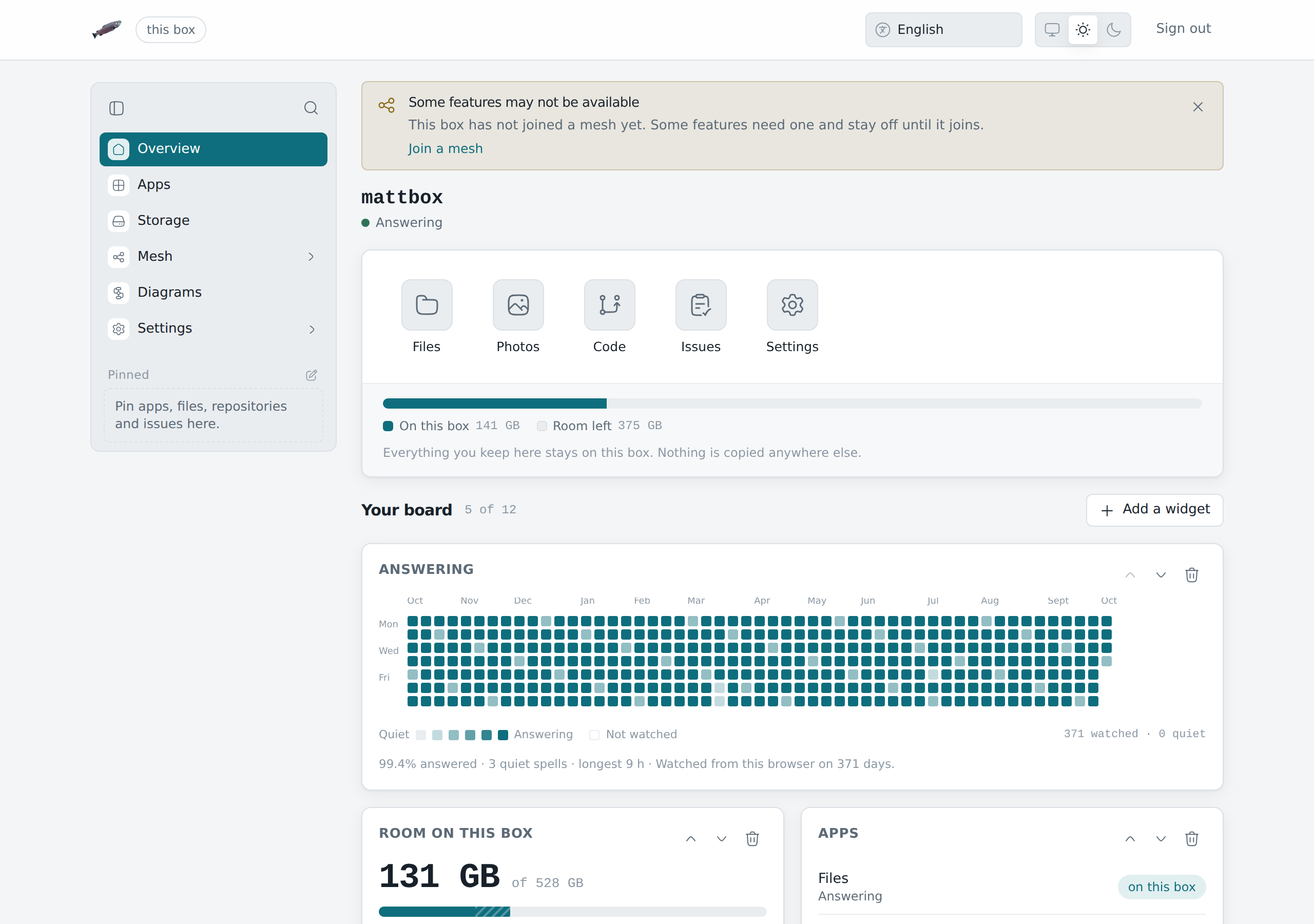
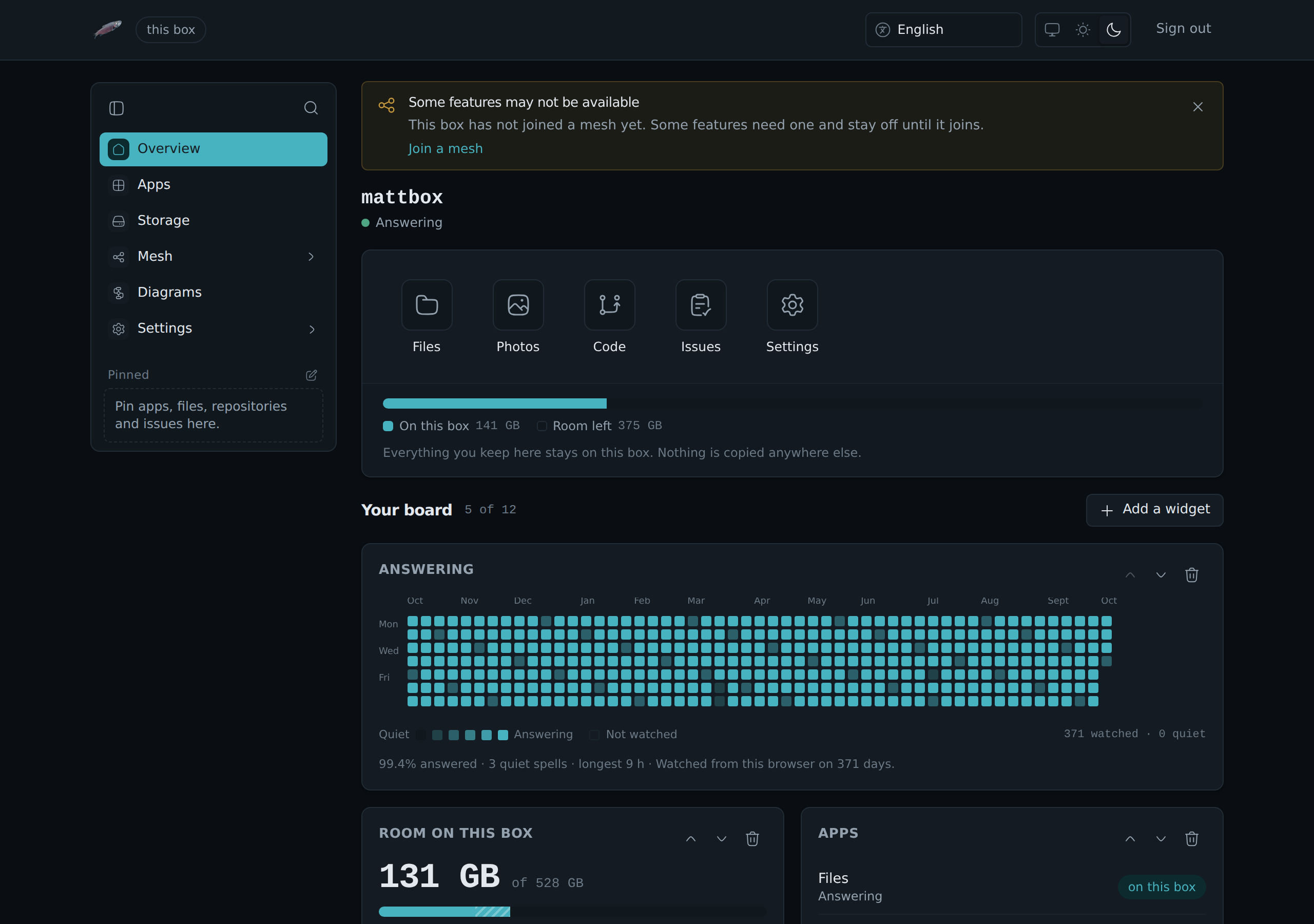
What you get
LosOS Cloud
Your files, photos, calendars, contacts and boards, in the browser and in the Nextcloud desktop and phone apps.
LosOS Git
Your code repositories, on the same box and behind the same password. The box's own Git server.
A fresh system every morning
It keeps its state across restarts.
An encrypted disk
Your data is on an encrypted volume. On a machine with a TPM chip, the key stays in the chip.
One password, no shell
There is no login prompt and no SSH. You use the box from a web browser, and one password, set when you claim the box, opens the admin pages, LosOS Cloud and LosOS Git.
Works without the internet
Your files, your apps and the admin pages keep working over the local network when the internet is down. The box also serves its own copy of this handbook, with search.
Three steps to a running box
Install it
Write the installer to a USB stick and boot the machine from it. It asks one question, wipes the disks and installs in about half an hour.
InstallOpen it in a browser
The box's screen shows its address. Open it on any computer on the same network and a three-step wizard sets your password.
The first runUse it
Put your files in and connect your phone and your computer. From then on the box needs no screen and no keyboard.
The admin pages
From one box to a company
Every box starts on its own, on a home network. Later it can get a public address through an edge server, with no port opened at home. It can also lend its spare disk and CPU to other boxes, only in the hours you choose. A company can run several boxes behind its own edge. Each of these is a change of settings, not a reinstall.
Coming soon
The market
Get paid for the disk and CPU your box lends, and buy room from other boxes.
- Done:
Card payments through Stripe, tested in its test mode - Done:
Payments in USDC, Bitcoin, Monero and Zcash - Done:
The Market pane on every box - The official LosOS edge it trades through
One storage pool across boxes
Boxes behind one edge lend their unused disk to one replicated pool.
- Done:
The encrypted share on each box - The pool's storage service on the edge
- Done:
The sharing switch, which opens with the market
A signed installer
Firmware that trusts the LosOS certificate boots the installer with Secure Boot on.
- Done:
An installer ready to be signed - The LosOS signing key
- A signature on every release
Ready setups for companies
Boxes for each team, one edge for the office and the install done for you.
- Done:
The company setup, with the office's own edge - Done:
An edge image attached to every release - Selling it as a package
What you need
- A machine with a 64-bit Intel or AMD processor (x86_64) and UEFI or BIOS firmware.
- At least 4 GiB of memory and one disk of 40 GiB or more.
- Ideally a TPM 2.0 chip, which most office mini-PCs have. Without one the box still installs and unlocks with a key file.
- For the install only: a USB stick of 2 GiB, a wired network with internet access, a screen and a keyboard.
LosOS runs on x86_64 only. It does not install on ARM machines, and in particular not on Apple Silicon (M-series) Macs.
You can try it in a virtual machine first. QEMU, virt-manager and VirtualBox all work.
Get the installer
Each release carries the installer ISO and its checksum. The handbook's Install page shows how to write it to a USB stick.