For companies in the EU and the EEA
LosOS for companies
Your company's cloud, in your own office, under EU law.
LosOS turns an office mini-PC into a private cloud for your team's files, calendars, contacts and code. The data sits on an encrypted disk in a building you control. No US cloud provider holds a copy, so no order served on one can hand it over.
Free software under the AGPL. Runs on 64-bit Intel and AMD computers.
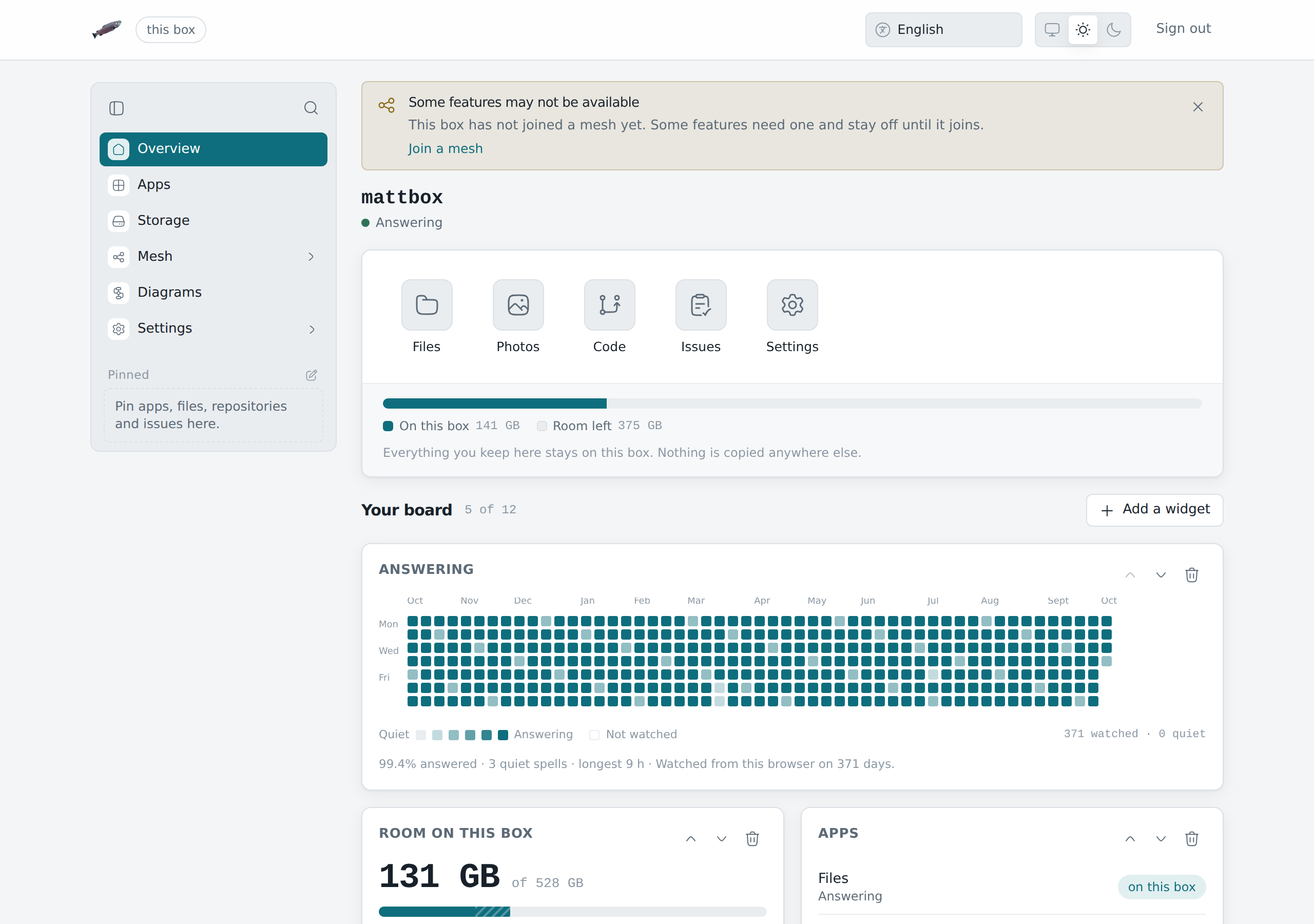
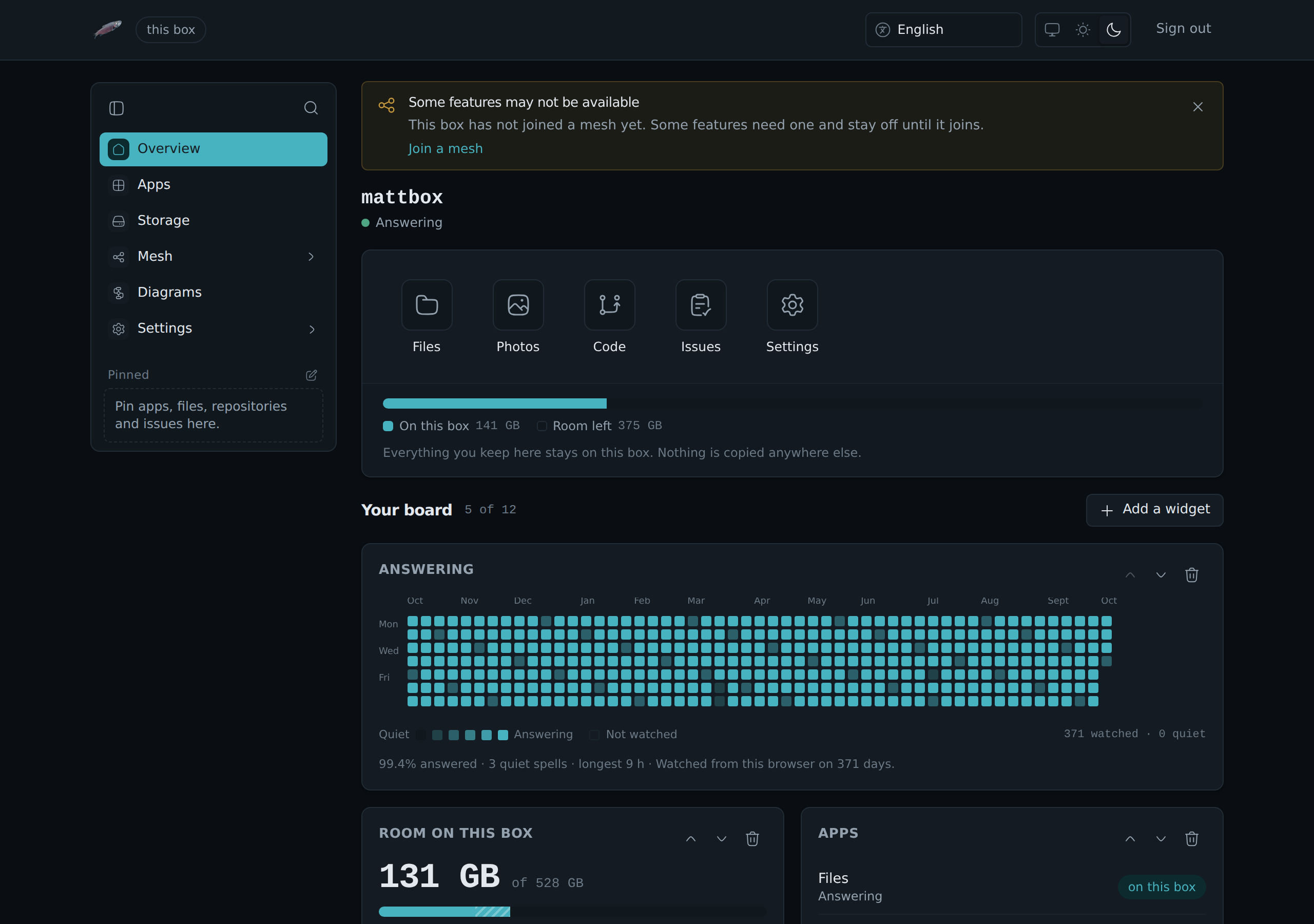
Where your data lives
| What | Where it is |
|---|---|
| Files, photos, calendars and contacts in LosOS Cloud | On the box, on its encrypted disk |
| Code, issues and pull requests in LosOS Git | On the box |
| What you type to Build with AI | On the box, where the model runs |
| The admin pages | Your own network only |
| Backups, if you set them up | A bucket you pick, encrypted on the box before they leave |
| Remote access, if you set it up | Your own edge server |
| Updates | Public source code comes in from GitHub. Your data does not go out. |
A server in Frankfurt does not make a US cloud European
The US CLOUD Act of 2018 lets American authorities require a US provider to hand over data in its possession, custody or control. Where the server stands does not matter. Who owns the provider does.
Personal data that goes to the US today rests on the EU-US Data Privacy Framework. The EU Court of Justice struck down both frameworks before it. A company whose files sit with a US provider is betting that the third one holds.
With LosOS the data stays in your building, and there is no bet to make.
| Year | What EU-US transfers rested on |
|---|---|
| 2015 | Safe Harbor, struck down by the Court of Justice (Schrems I) |
| 2020 | Privacy Shield, struck down by the Court of Justice (Schrems II) |
| 2023 | The Data Privacy Framework, in force today |
| LosOS | No transfer at all. Nothing on the box crosses a border. |
Everything your team rents today, on hardware you own
LosOS Cloud
Files, photos, calendars, contacts and boards, in the browser and in the Nextcloud desktop and phone apps. Every colleague gets an account.
LosOS Git
Your repositories on your own box. Your source code stops living on someone else's servers.
A disk that is useless when stolen
The data volume is encrypted and its key is sealed in the machine's own TPM chip. Pull the disk and plug it in elsewhere, and nobody can read it.
A system that forgets
The system disk lives in memory and is built again on every restart. Whatever changed outside a short list of kept folders is gone the next morning.
Every setting is a commit
The box keeps its whole description in its own Git repository. Every change is a commit on the History pane, so you always know what changed and when.
Nothing to log in to
No shell and no SSH. The admin pages answer only on your own network, and the terminal client signs every call it makes with OpenPGP.
AI that stays in the building
Build with AI writes widgets with a language model that runs on the box itself. What you type never leaves it, and there is no bill per word.
Search inside every file
The box indexes the text in your Word, Excel, PowerPoint, OpenDocument and PDF files. Find a contract by a sentence in it, and the index never leaves the box.
Backups you hold the key to
Copies go to any S3-compatible bucket you choose, at an EU provider or on your own network, encrypted with your recovery code before they leave the box.
Patch day is every night, and nobody has to remember it
At 00:07 every box restarts and builds its system disk again from its description. At 03:00 it takes the newest LosOS, keeps your settings and rebuilds on top. If that fails, the previous system keeps running and the box tries again the next night. At 04:30 it deletes versions older than 14 days, so the disk never fills itself up.
Want your IT to read every update first? The update source is one setting, so your boxes can follow your own copy of LosOS.
Updates and rebootsFor your data protection officer and your auditor
| What the law asks | What LosOS does |
|---|---|
| GDPR Art. 32(1)(a) Encryption of personal data | The data volume is encrypted with its key in the TPM. The box serves HTTPS on your network with its own certificate, and its tunnel to an edge is encrypted end to end. |
| GDPR Art. 28, Chapter V Processors and transfers to third countries | Data on the box has no cloud provider processing it and never leaves the EEA, so there is no processing agreement or transfer assessment to write for it. |
| GDPR Art. 5(1)(e) Storage limitation | The system log keeps one month and then deletes itself. Container logs are capped at three files of 10 MiB each, and build logs go after 30 days. |
| NIS2 Art. 21(2)(c) Backup management and disaster recovery | Encrypted backups to a bucket you choose. The recovery code brings everything back, on the same box or on a new one. |
| NIS2 Art. 21(2)(d) Supply chain security | All of LosOS is public source under the AGPL. Every box builds from pinned inputs in one lock file, so you can check what runs. |
| NIS2 Art. 21(2)(i) Access control | The admin pages answer only on your own network, even with remote access on. Ten failed sign-ins throttle an address, and an audit log records setting changes, password resets and resets. |
LosOS does not claim to. It gives you measures that already work, so your records describe something real.
Your boxes, your edge, your domain
Run an edge server of your own, in the office or on a server you rent from an EU host. Boxes on the same network find it by themselves within one 20-second scan.
- Every box answers under your company's domain, with no port opened on any box. The boxes dial out, and nothing dials in.
- The tunnel keys, the cluster token and the list of allowed boxes live on your edge. None of your traffic touches the LosOS project.
- The admin pages of every box stay on your own network.
Boxes can lend each other spare disk and CPU through your edge. It is off by default, each box's owner switches it on, and it runs only in the hours they choose and only while the box is idle.
A company with its own edgeBuilt on software from Germany and the Netherlands
The admin pages and this handbook come in English, Slovak and German. LosOS Cloud and LosOS Git follow each person's browser language and carry many more.
No fee per seat
LosOS is free software. Your fortieth hire costs a user account, not a subscription. You pay once for the hardware and then for the electricity, and an office mini-PC does the job.
Coming soon
LosOS is pre-release software, with no support contract and no certification yet. These are the parts still being built.
The market
Get paid for the disk and CPU your box lends, and buy room from other boxes.
- Done:
Card payments through Stripe, tested in its test mode - Done:
Payments in USDC, Bitcoin, Monero and Zcash - Done:
The Market pane on every box - The official LosOS edge it trades through
One storage pool across boxes
Boxes behind one edge lend their unused disk to one replicated pool.
- Done:
The encrypted share on each box - The pool's storage service on the edge
- Done:
The sharing switch, which opens with the market
A signed installer
Firmware that trusts the LosOS certificate boots the installer with Secure Boot on.
- Done:
An installer ready to be signed - The LosOS signing key
- A signature on every release
Ready setups for companies
Boxes for each team, one edge for the office and the install done for you.
- Done:
The company setup, with the office's own edge - Done:
An edge image attached to every release - Selling it as a package
What you need
- A machine with a 64-bit Intel or AMD processor (x86_64) and UEFI or BIOS firmware.
- At least 4 GiB of memory and one disk of 40 GiB or more.
- Ideally a TPM 2.0 chip, which most office mini-PCs have. Without one the box still installs and unlocks with a key file.
- For the install only: a USB stick of 2 GiB, a wired network with internet access, a screen and a keyboard.
LosOS runs on x86_64 only. It does not install on ARM machines, and in particular not on Apple Silicon (M-series) Macs.
You can try it in a virtual machine first. QEMU, virt-manager and VirtualBox all work.
Set up LosOS for your company
The company setup page shows boxes for each team, one edge for the office, and how the install goes. Try a single box first, in a virtual machine if you like.