Try it in VMs
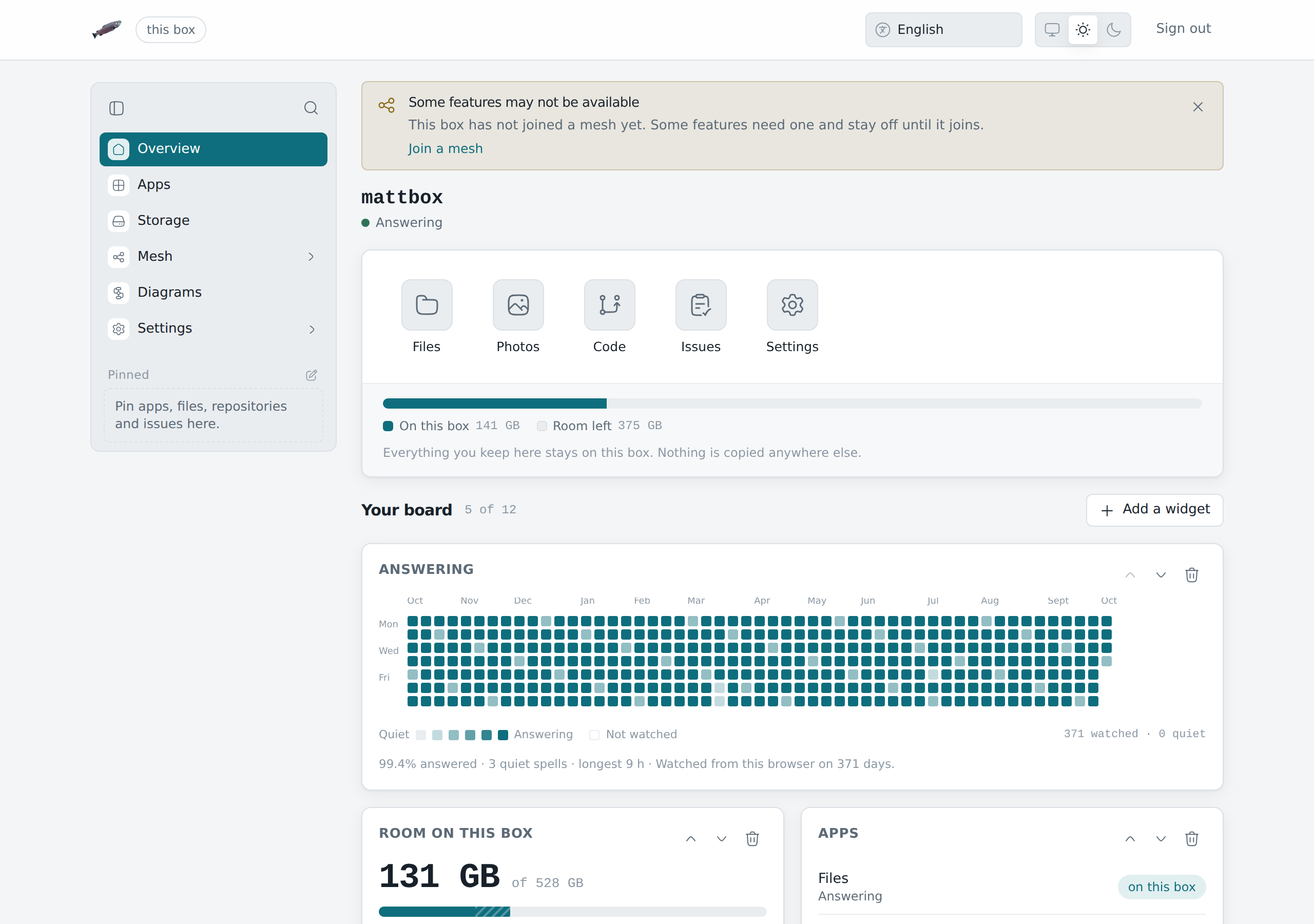
One line on a Linux computer sets up two LosOS boxes with an edge between them, as virtual machines on a private network, and walks through what they do together:
curl -fsSL https://raw.githubusercontent.com/dasmatus/losos/main/nix/demo/box-edge-box/bootstrap.sh | sh
Nothing has to be installed first except Nix.
Without it, the script prints the line that installs it and stops. Nothing
needs root (except --host-mdns, below), nothing is installed outside
/nix and the demo folder (~/.local/share/losos-demo), and only this
computer can reach the VMs.
What the script does
It looks at the computer first: Linux on x86_64, KVM, processors, memory,
free disk and Nix. Then it writes a second script, stage2.sh in the demo
folder, with what it found at the top, and runs it. The second script
builds or fetches everything and starts the VMs. You can run it again later
on its own.
There are two sizes of demo, and the script picks the bigger one the computer can carry:
| Full | Light | |
|---|---|---|
| Needs | KVM, 14 GiB of memory, 60 GB of free disk | 6 GiB of memory, 15 GB of free disk |
| The boxes | installed from the installer ISO, with LosOS Cloud | the admin pages and the parts that talk to the edge |
| The edge | an edge VM that is also the network's router | the edge gateway |
| Takes | about half an hour with KVM | about 15 minutes, KVM or not, after the first build |
--full or --light after sh -s -- picks the size yourself, for example
... | sh -s -- --light.
What you see
- Two boxes and no edge. Each finds the other on the network by its
.localname, over mDNS, with nothing set up. Each looks for an edge and finds none. Asked to share its disk, each refuses, because there is no edge to share through. - The edge is switched on. Both boxes find it on the network by themselves.
- The edge publishes both boxes at their public names, one tunnel each.
- Box A opens box B by its public name through the edge, and box B opens box A. The admin pages are refused on that road. They stay on the local network.
- Both owners let the edge manage their box, and the edge's own page lists both.
- With the edge there, both boxes accept sharing their disk.
- The edge is switched off. Both boxes notice, close their tunnels and refuse sharing again, and each keeps serving its own network.
To show it to someone step by step, add --pause. The light demo then waits
at each step and prints where to open each box's Mesh page and the edge's
page in a browser.
Open the boxes by name
The VMs answer for boxa.local, boxb.local and edge.local over mDNS,
but only on their own network. The script checks whether this computer has
an mDNS responder (Avahi, or systemd-resolved with mDNS on) and whether
programs ask it for .local names (nss-mdns or nss-resolve). If both are
there, add --host-mdns:
curl -fsSL https://raw.githubusercontent.com/dasmatus/losos/main/nix/demo/box-edge-box/bootstrap.sh | sh -s -- --host-mdns
It makes one network device, vde-tap77, which puts this computer on the
VMs' network. That is the one step that needs root, through sudo, doas
or run0, whichever the computer has. The responder here
then hears the VMs, and a browser opens http://boxa.local/ like a box on
a real network. bash ~/.local/share/losos-demo/stage2.sh host-mdns-off
removes the device. If a name does not resolve, the firewall may be
dropping UDP port 5353 on that device.
How it differs from a real setup
- The edge has no certificate, because a private network has no public name to prove. A real edge with a public name gets one from Let's Encrypt.
- The boxes' public names are pointed at the edge by the demo. On a real network, DNS does that.
- The edge is a company edge, not an official one, so the market stays off.
- In the light demo LosOS Cloud is not running. A small placeholder answers in its place, behind the box's real web server.