Contacts
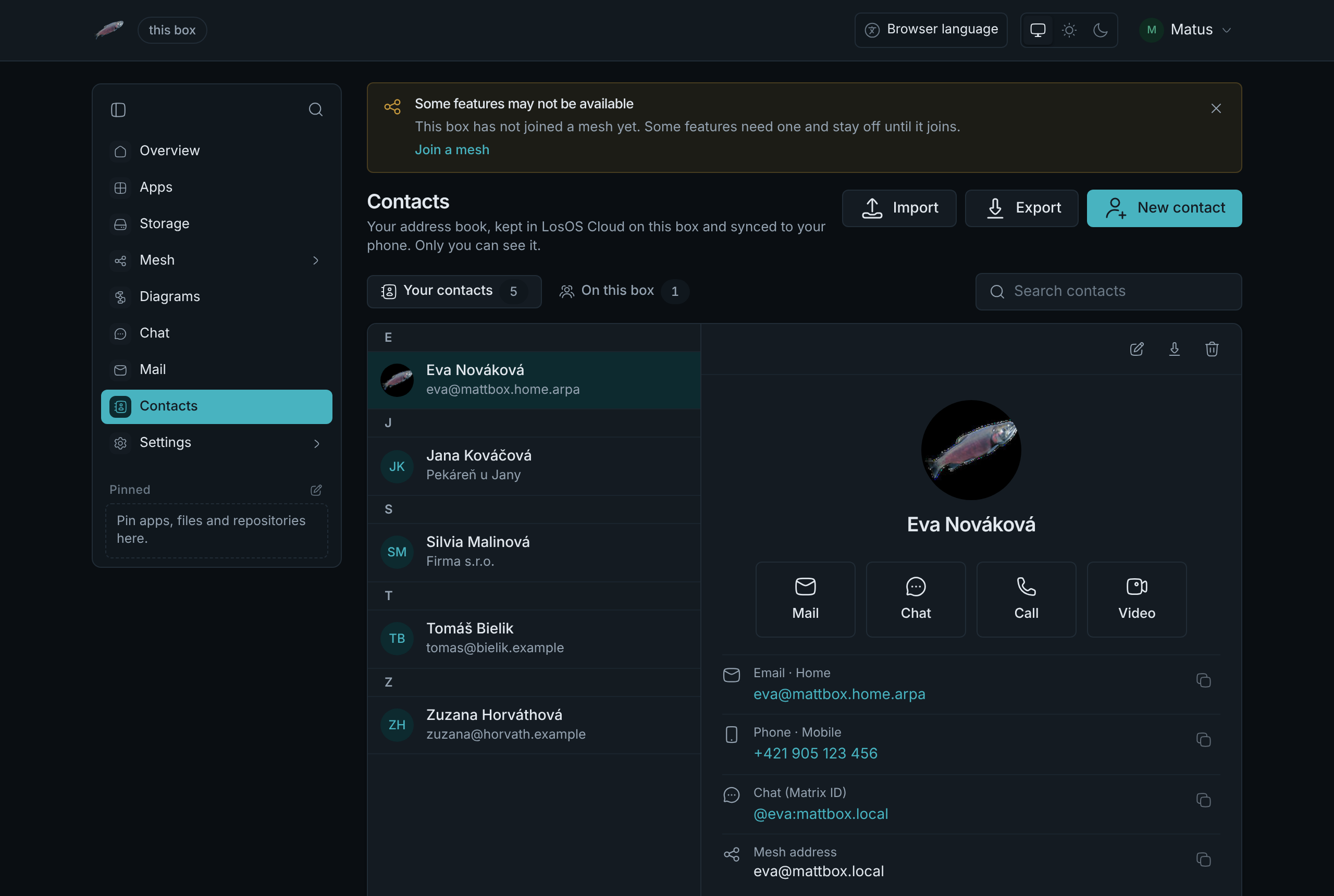
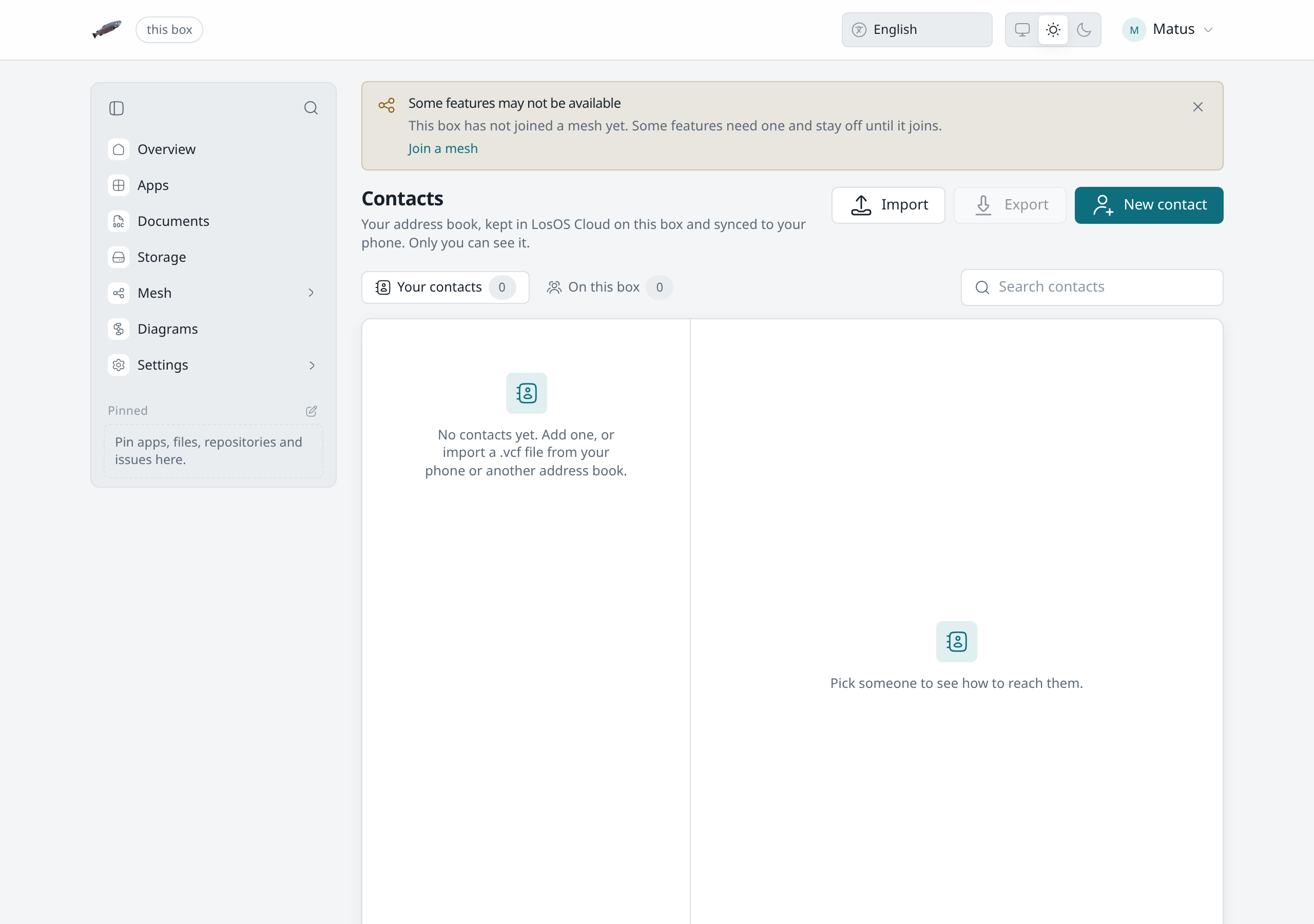
LosOS Contacts is an address book for each person on the box. Contacts
in the sidebar opens it at /contacts. Your book is yours alone. Other
people on the box, administrators included, cannot read it through the
admin pages or through LosOS Cloud.
When Contacts is there
Contacts keeps your contacts in LosOS Cloud, so it is there on every box that runs LosOS Cloud, whether or not the box shares its storage. Mail and Chat run only while the box shares with a mesh it has joined. With sharing off, a person's page has no Mail, Chat, Call or Video button, and the book itself stays as it is.
The spare key opens the admin pages but has no address book, so Contacts asks you to sign in with your own account.
Where the book is kept
Your contacts are the address books of your LosOS Cloud account, one vCard per contact. Contacts lists the people in every address book you have, including one a phone or Thunderbird made. A contact you add here goes into your first book, Contacts. When you edit a contact, Contacts changes the fields it shows and keeps the rest of the card as your phone wrote it, such as groups, ringtones and related names. Photos stay in the card, and the page shows them as a small square picture.
The book
- Your contacts lists the people you added or imported, by name, with the first letter as a heading. Search matches names, nicknames, organisations, email addresses, phone numbers and chat addresses, with or without accents.
- On this box lists everyone else with an account on the box, so you can reach them without adding them first. Add to contacts copies one into your book.
- Click a person to open their page: their email addresses, phone numbers, chat address, mesh address, postal addresses, birthday, websites and notes. Each line has a Copy button.
- Right-click a person in the list for the same actions without opening the page; see the right-click menu.
Reaching someone
A person's page has a button for each way to reach them:
- Mail opens a new message to their first address. It is there when the box runs Mail and the contact has an email address.
- Chat opens your direct conversation with them, or starts one.
- Call and Video open that conversation and start a call.
Chat, Call and Video are there when the box runs Chat, and need the contact's chat address, such as
@eva:mattbox.local. Everyone on this box has one; for a contact, put it in
Chat (Matrix ID).
The other apps use the book too. Mail's To and Cc fields and Chat's Message someone suggest your contacts as you type, beside the people on the box. Someone who is on the box and also in your book shows up once, as your contact.
Adding and editing
New contact opens the editor. Only the name is required. More fields
adds a nickname, a job title, postal addresses, websites, a birthday, a mesh
address (name@box, for sharing files with someone on another box) and a
note. Each email address and phone number can be marked as home, work,
mobile and so on. Add a photo takes a picture from your computer.
Importing and exporting
Import takes a .vcf file from your phone or from another address book:
vCard 4.0, 3.0 or 2.1, with one contact or many. Photos inside the file come
along. A contact that is already in your book is updated rather than added a
second time. The file's own identifier decides when it has one, otherwise
the name together with the first email address or phone number.
Export downloads your whole book as one .vcf file, in vCard 3.0 (which
every phone reads) or 4.0. A person's page and the right-click menu also
export one contact on its own.
On your phone and computer
Phones and desktop address books sync with the same address books over CardDAV. Set them up as in Calendars and contacts. A contact you add on the phone shows up in Contacts, and one you change in Contacts reaches the phone on its next sync. Import and export are still there for a one-off move from somewhere else.